
HTMLVault Blog
Security insights and product updates
Best practices for sharing HTML securely, protecting sensitive data, and building trust with your team.
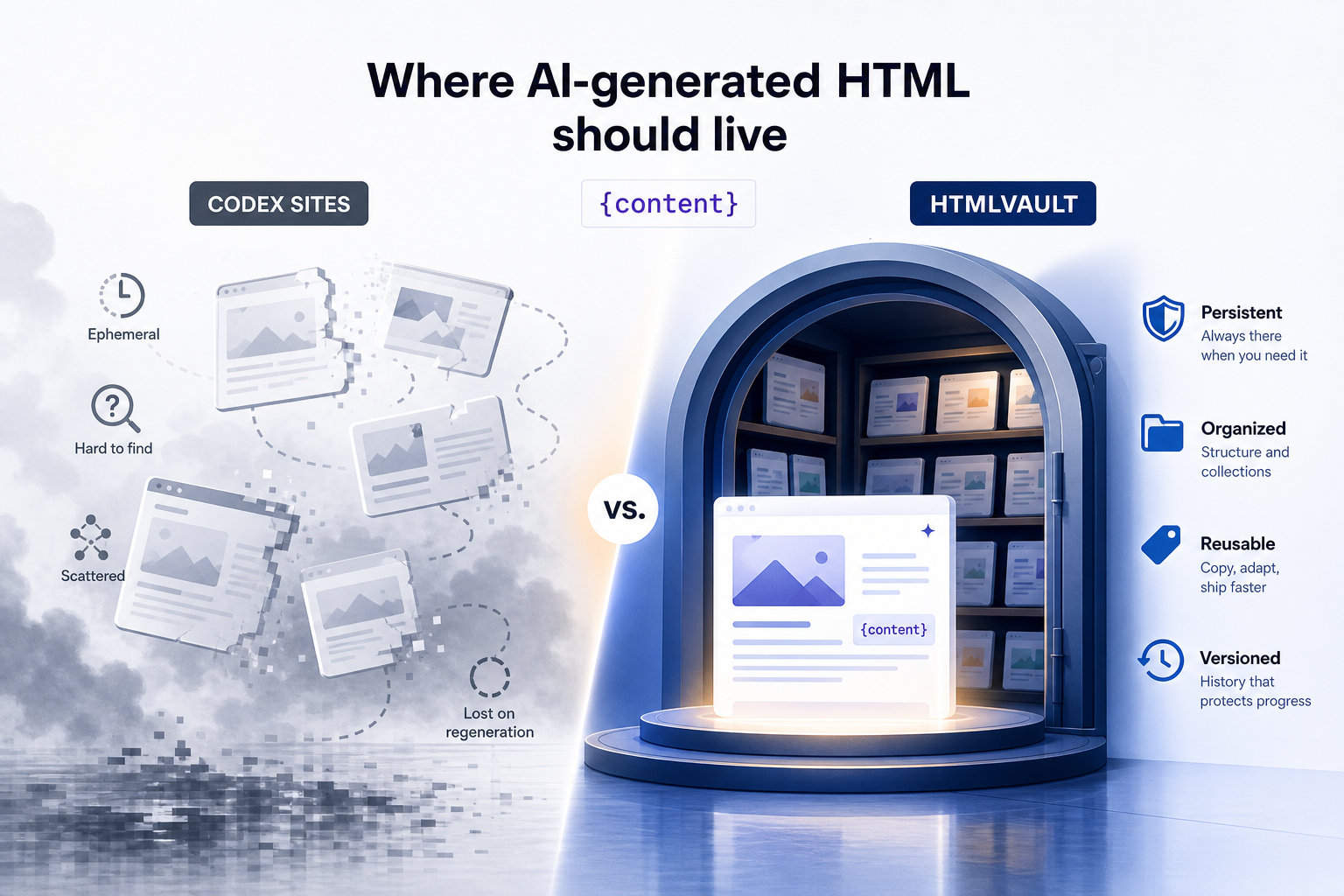
OpenAI Codex Sites vs. HTMLVault: Where AI-generated HTML should live
OpenAI's Codex Sites turns a prompt into a hosted app fast, but it lives on the vendor's domain with no export. Here's where AI-generated HTML should actually live, and when each tool is the right call.
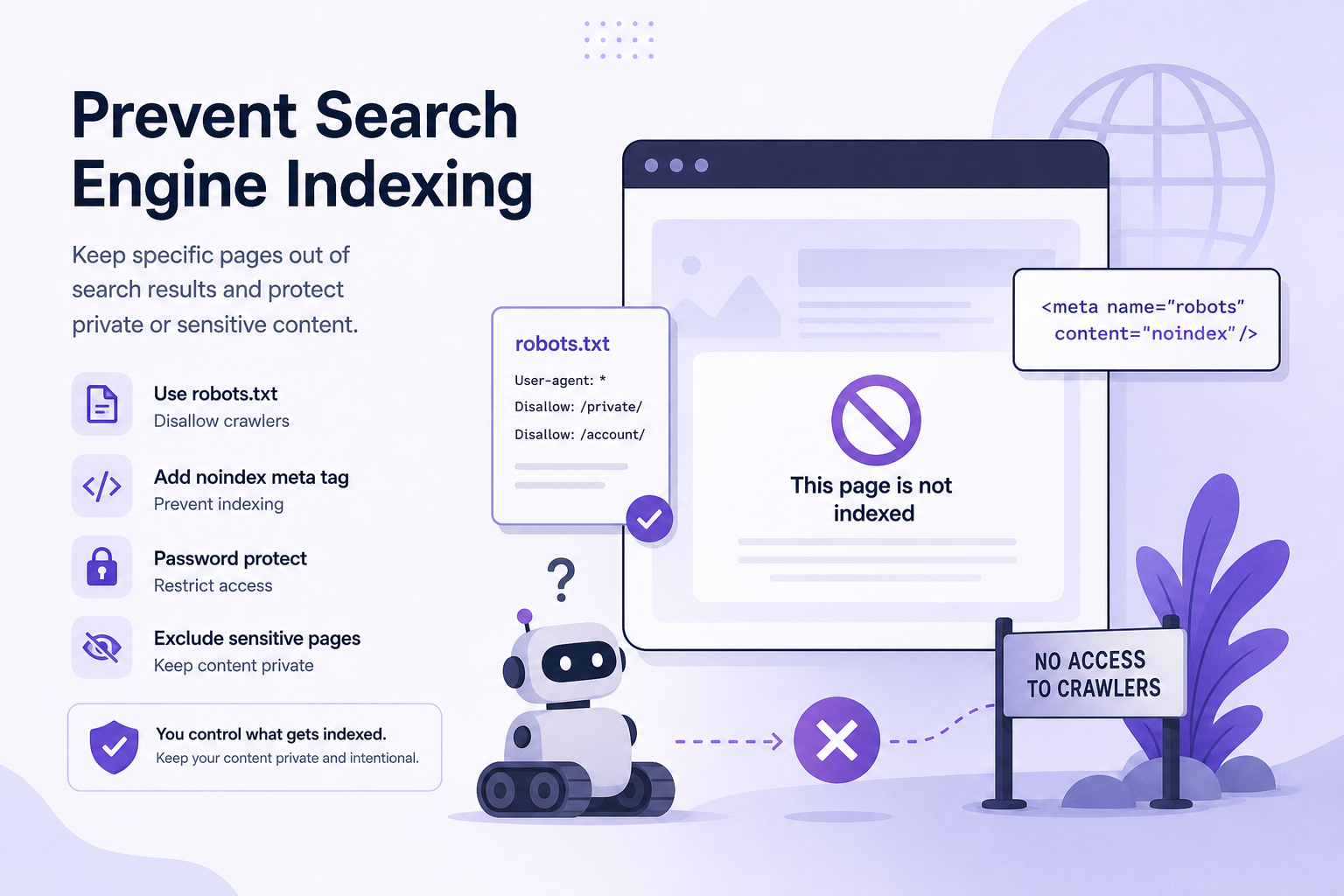
How to Prevent Search Engine Indexing
Learn how to prevent search engine indexing for sensitive HTML pages using the right controls, headers, auth, and sharing workflows.
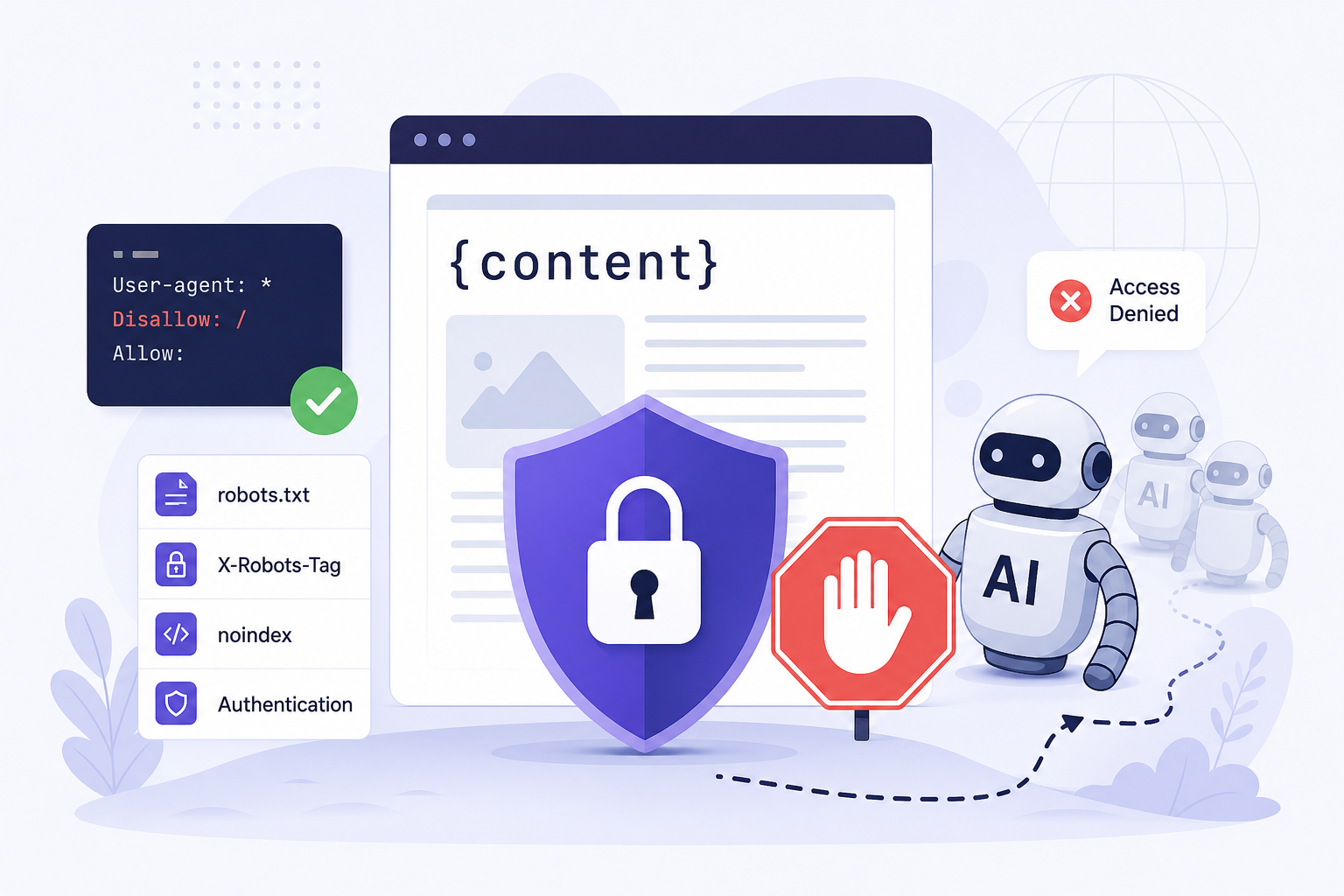
How to Block AI Crawlers From Pages
Learn how to block AI crawlers from pages using robots.txt, headers, auth, and gated delivery without breaking analytics, access, or SEO.
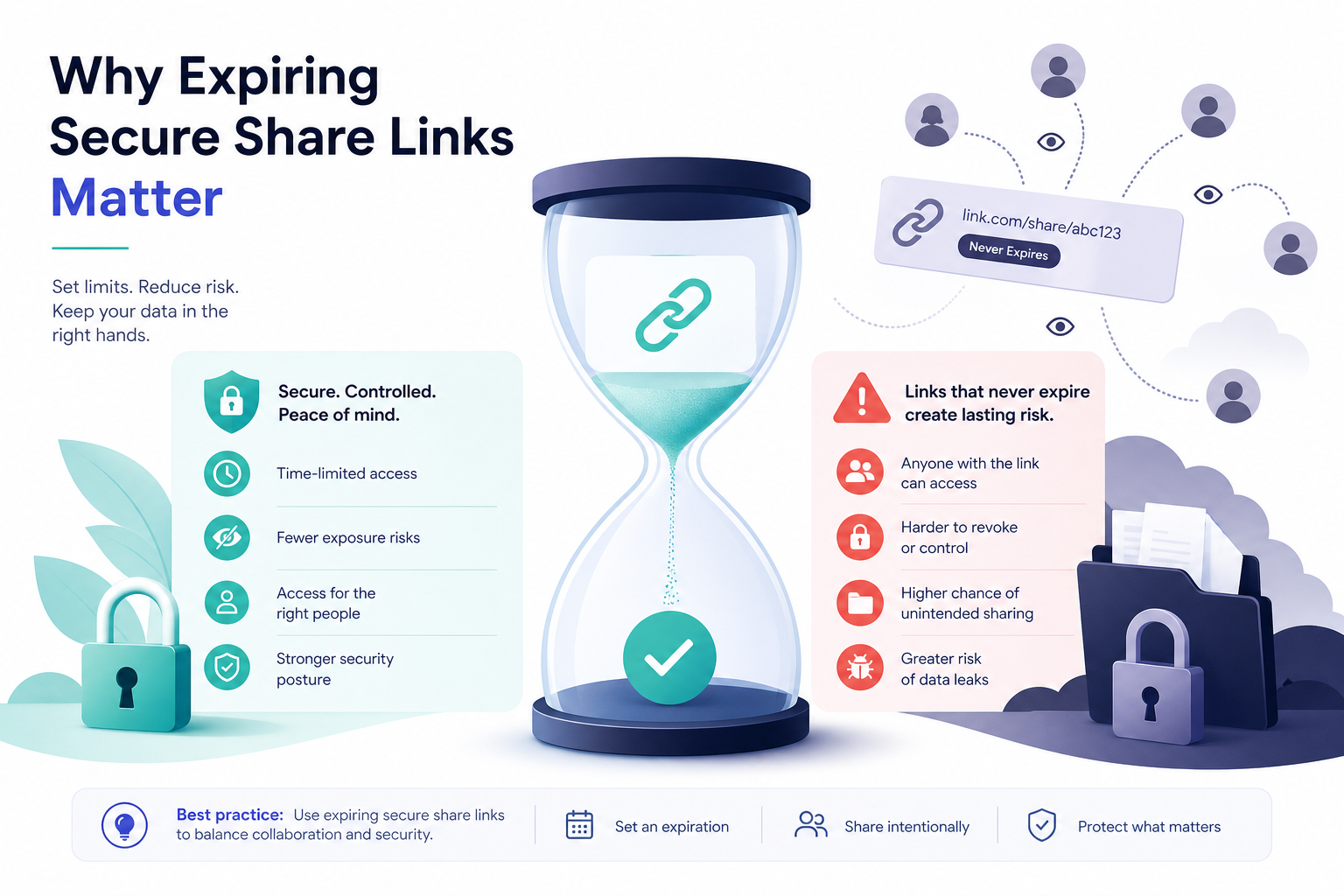
Why Expiring Secure Share Links Matter
Expiring secure share links reduce data exposure, support compliance, and give teams tighter control over HTML content, access, and audits.
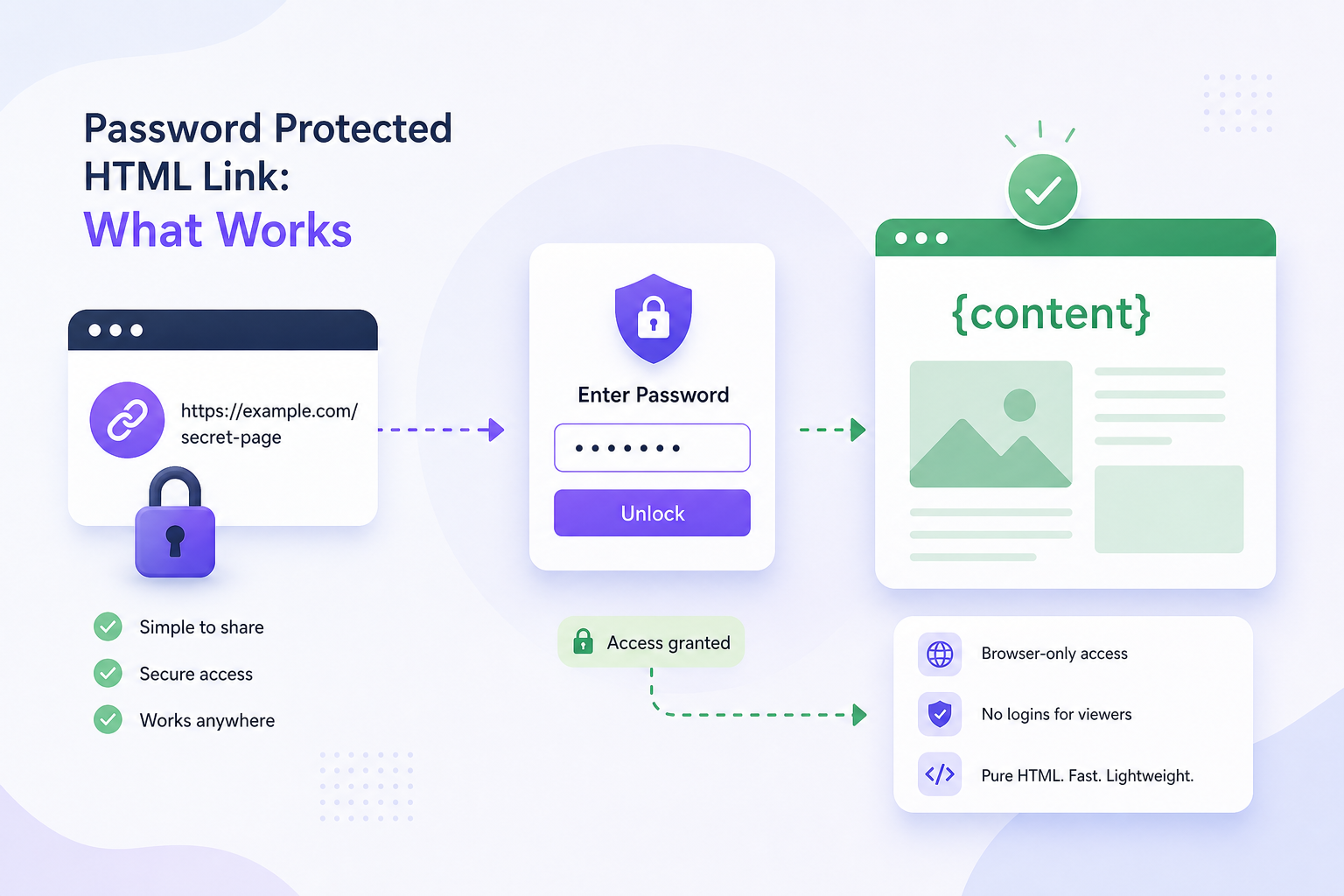
Password Protected HTML Link: What Works
A password protected HTML link can limit access, but real control depends on expiry, audit logs, and secret scanning built into sharing.
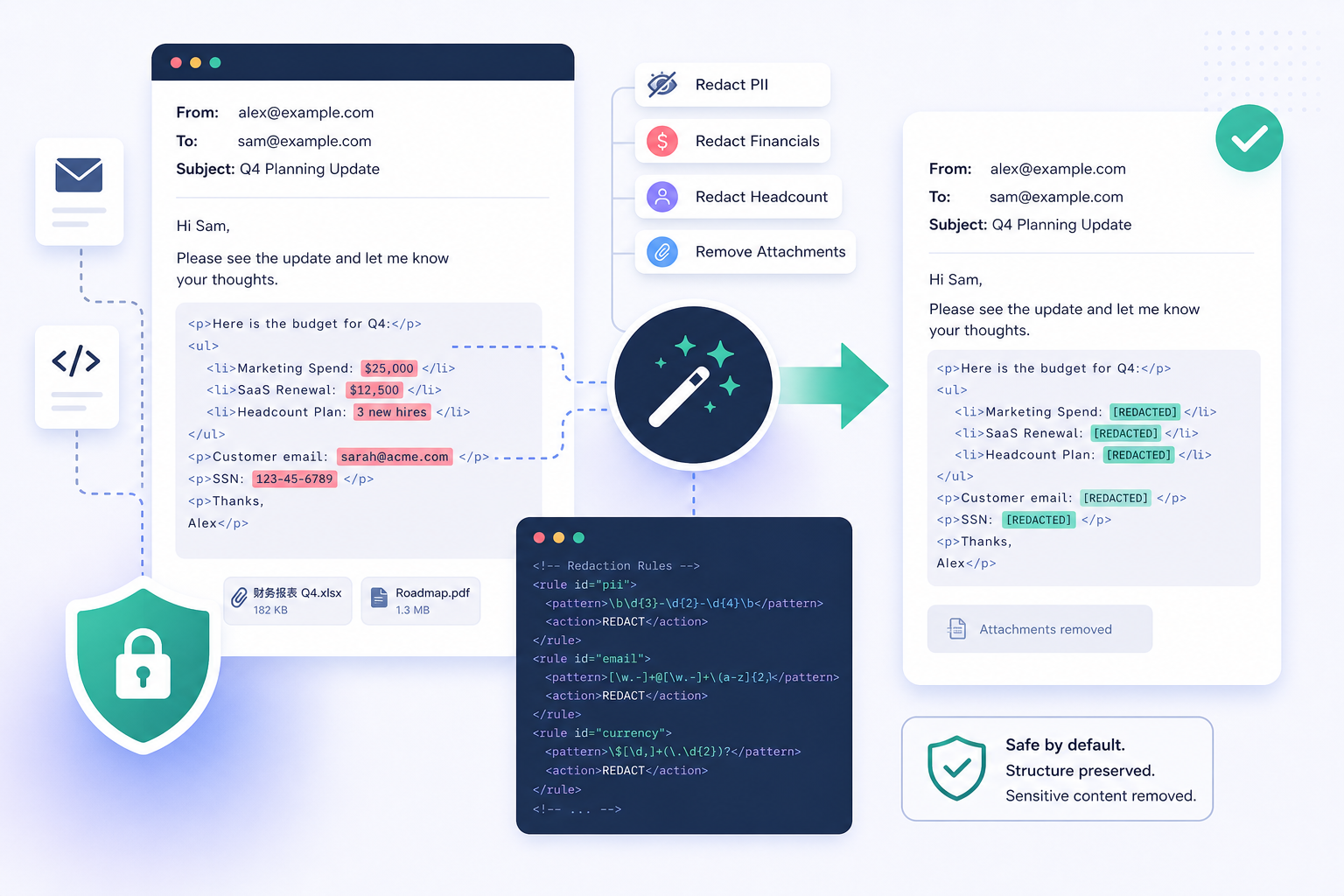
How to Redact Emails From HTML Safely
Learn how to redact emails from HTML safely, preserve layout, reduce compliance risk, and avoid exposing PII in shared pages and AI output.
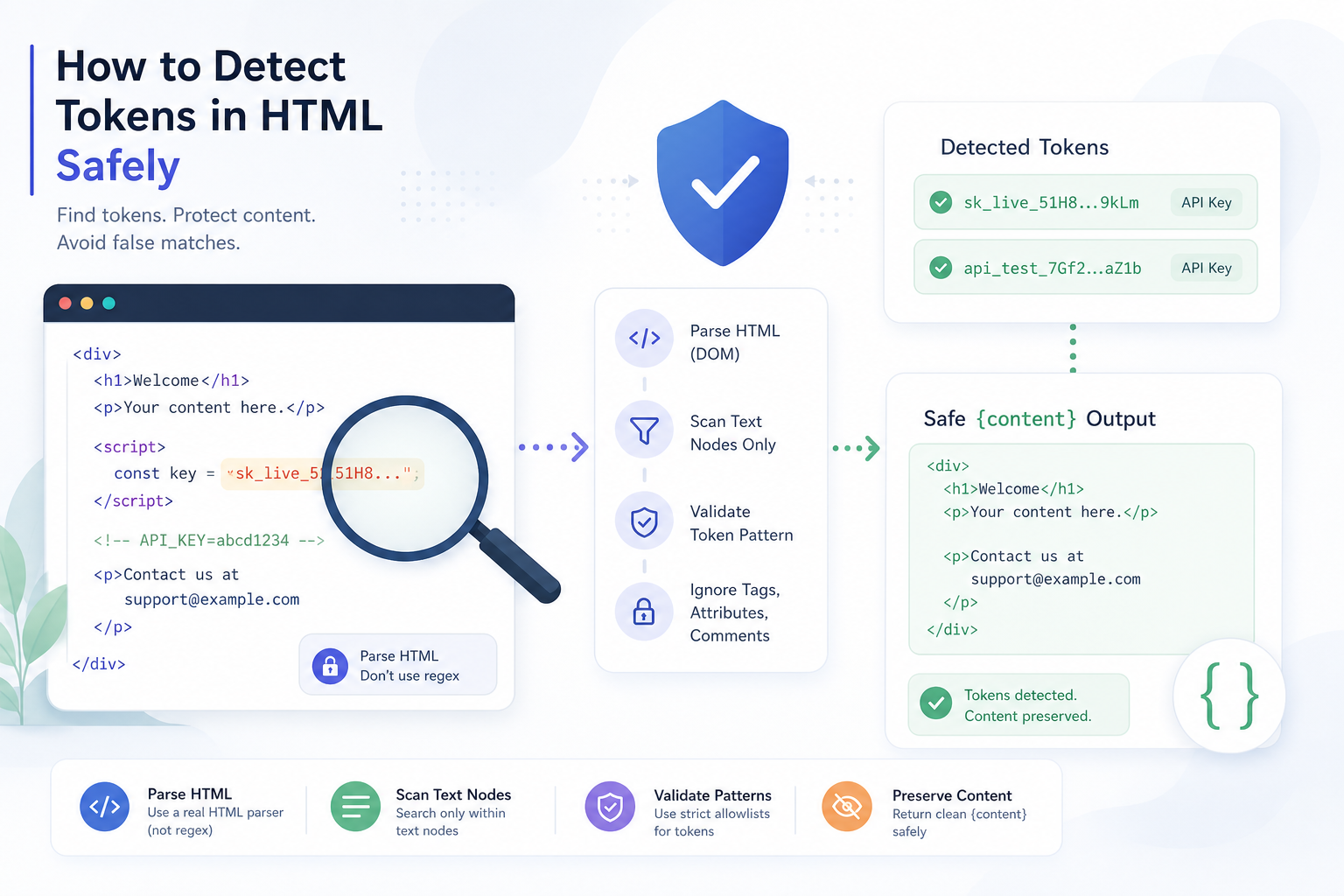
How to Detect Tokens in HTML Safely
Learn how to detect tokens in HTML, reduce leak risk, and build a safer review workflow for AI-generated content, demos, and team sharing.
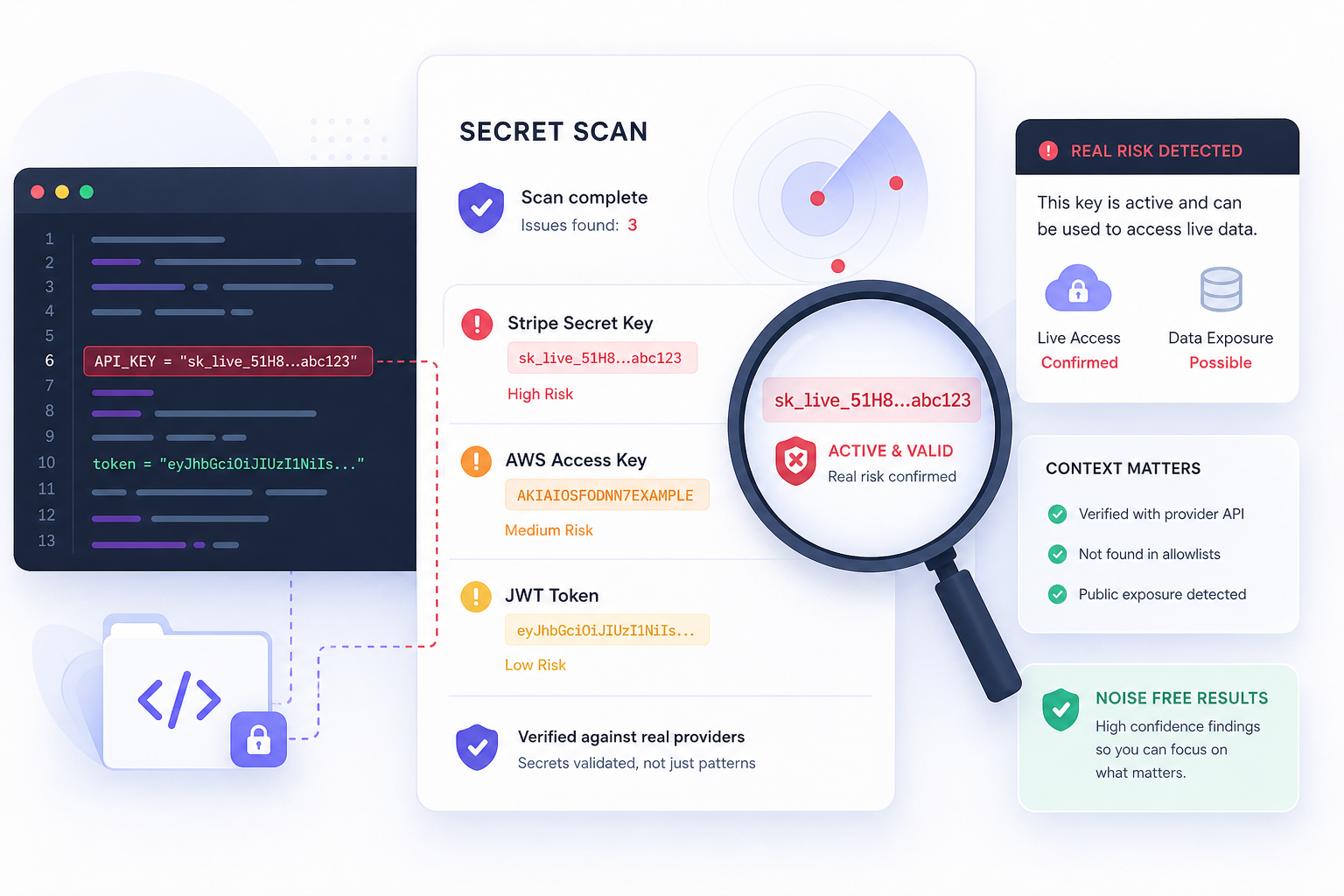
API Key Secret Scanning That Catches Real Risk
API key secret scanning helps teams catch exposed credentials before sharing HTML, AI output, or code triggers a security or compliance issue.

White-Label Custom Domains: Host HTMLVault Links on Your Own Domain
Pro users can host links on yourteam.htmlvault.dev; Enterprise users on reports.yourcompany.com. Custom domains improve brand trust and email deliverability when sharing proposals, dashboards, and sales collateral.
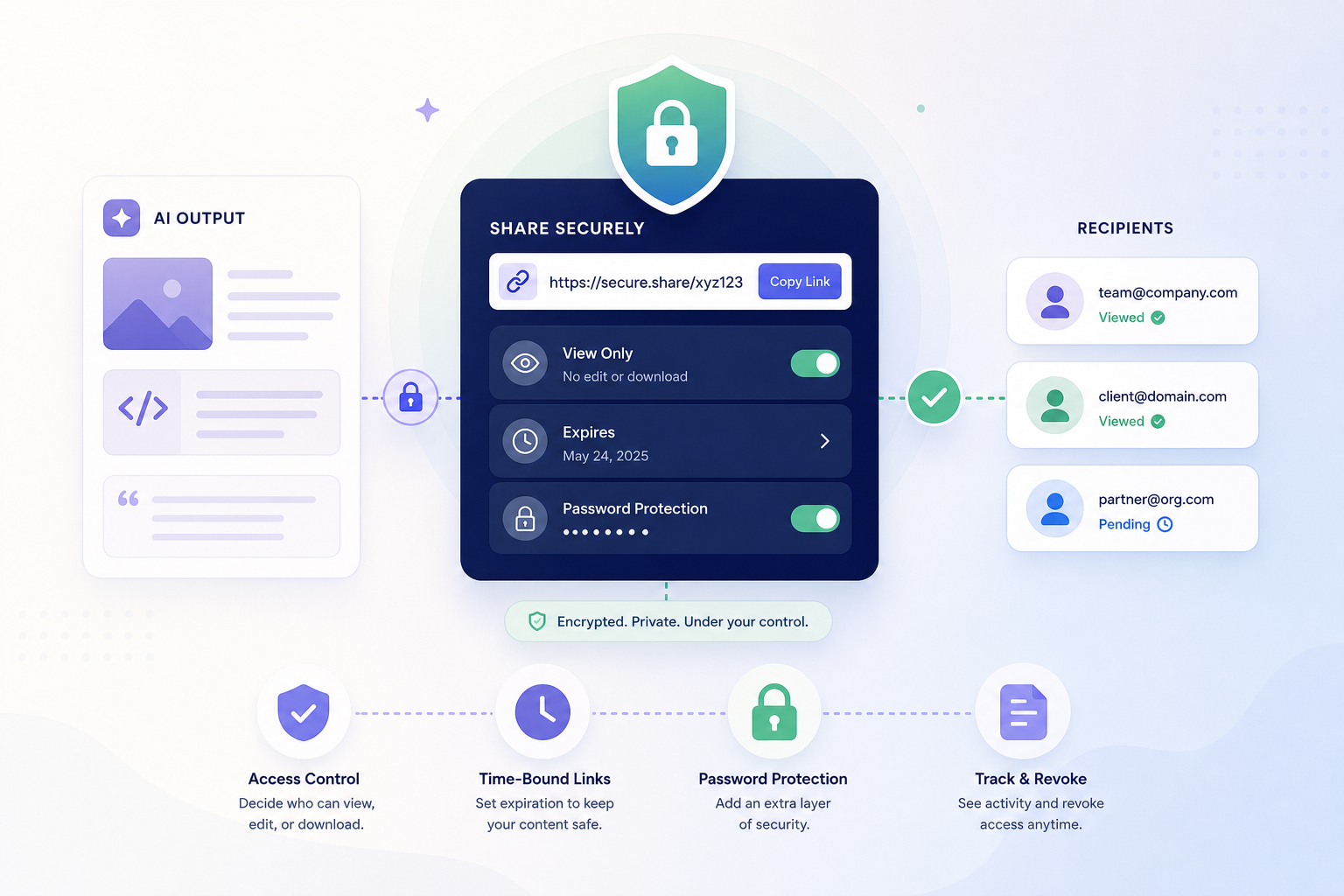
How to Share AI Output Securely
Learn how to share AI output securely with controls for secrets, PII, access, expiry, and audit visibility, without slowing down your team.

Tracking Code Injection: Connect HTMLVault Links to Your Marketing Stack
Pro users can inject GA4, Meta Pixel, and custom tracking scripts into shared HTML links. Your existing marketing analytics stack sees every view, while HTMLVault's native analytics handle engagement depth. Here's how to set it up.

Secure HTML Sharing for Teams That Need Control
Secure HTML sharing for teams with controls for secrets, PII, indexing, expiry, and audits. Built for AI output and compliance-sensitive work.

Per-Link Analytics: See Exactly How Recipients Engage with Your Shared Content
Every HTMLVault link includes a built-in analytics dashboard showing views, unique visitors, repeat visits, geography, device breakdown, referrer source, scroll depth, and time-on-page. Know whether your proposal was read or just opened.
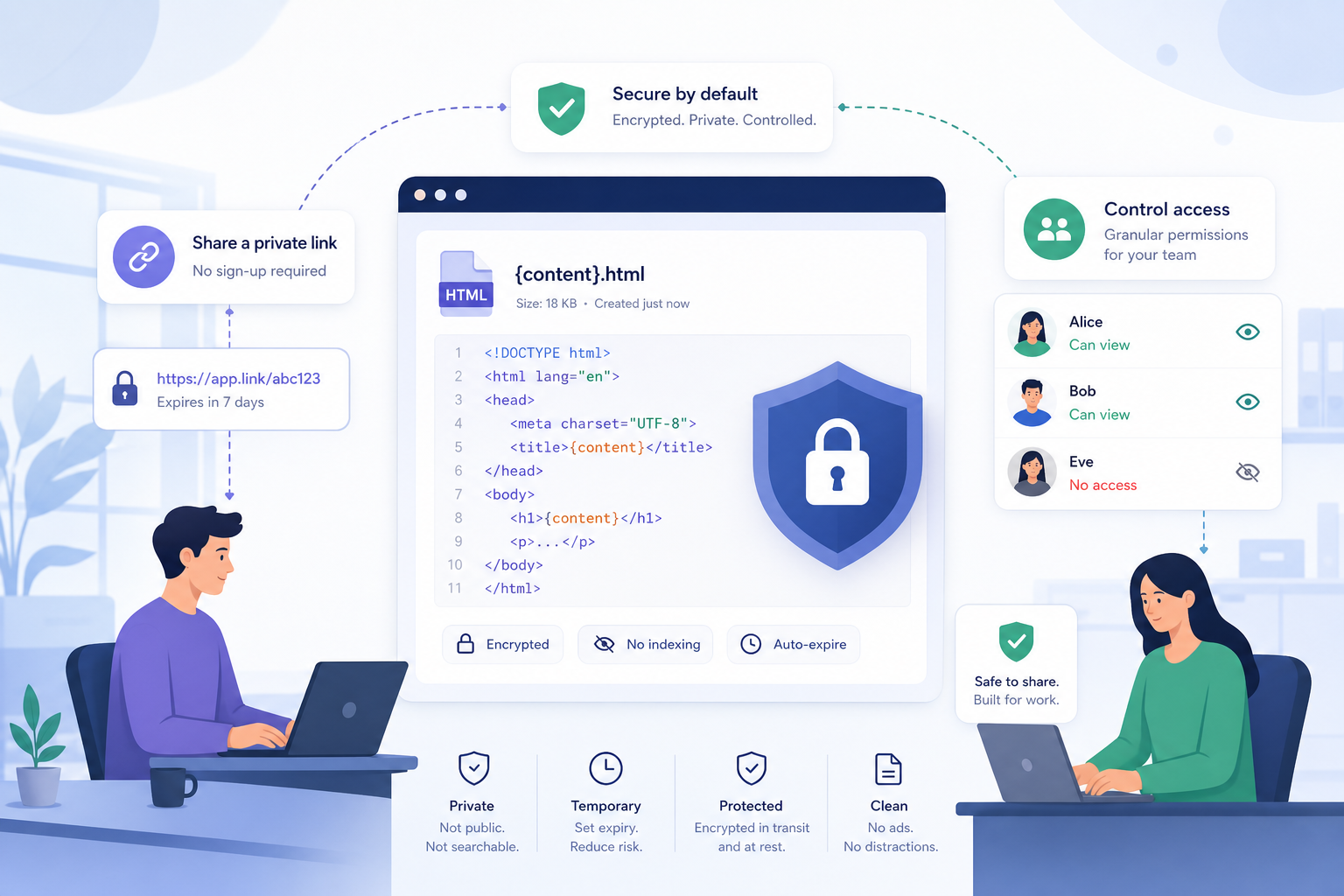
How to Share HTML Securely at Work
Learn how to share HTML securely with controls for secrets, PII, link expiry, passwords, indexing, and audit visibility for teams.

Password-Protected Links: Control Exactly Who Sees Your Sensitive Content
Password-protected links add a gate between your sensitive content and the open web. Viewers must enter the correct password before any HTML renders—and those without it can request access directly from you.
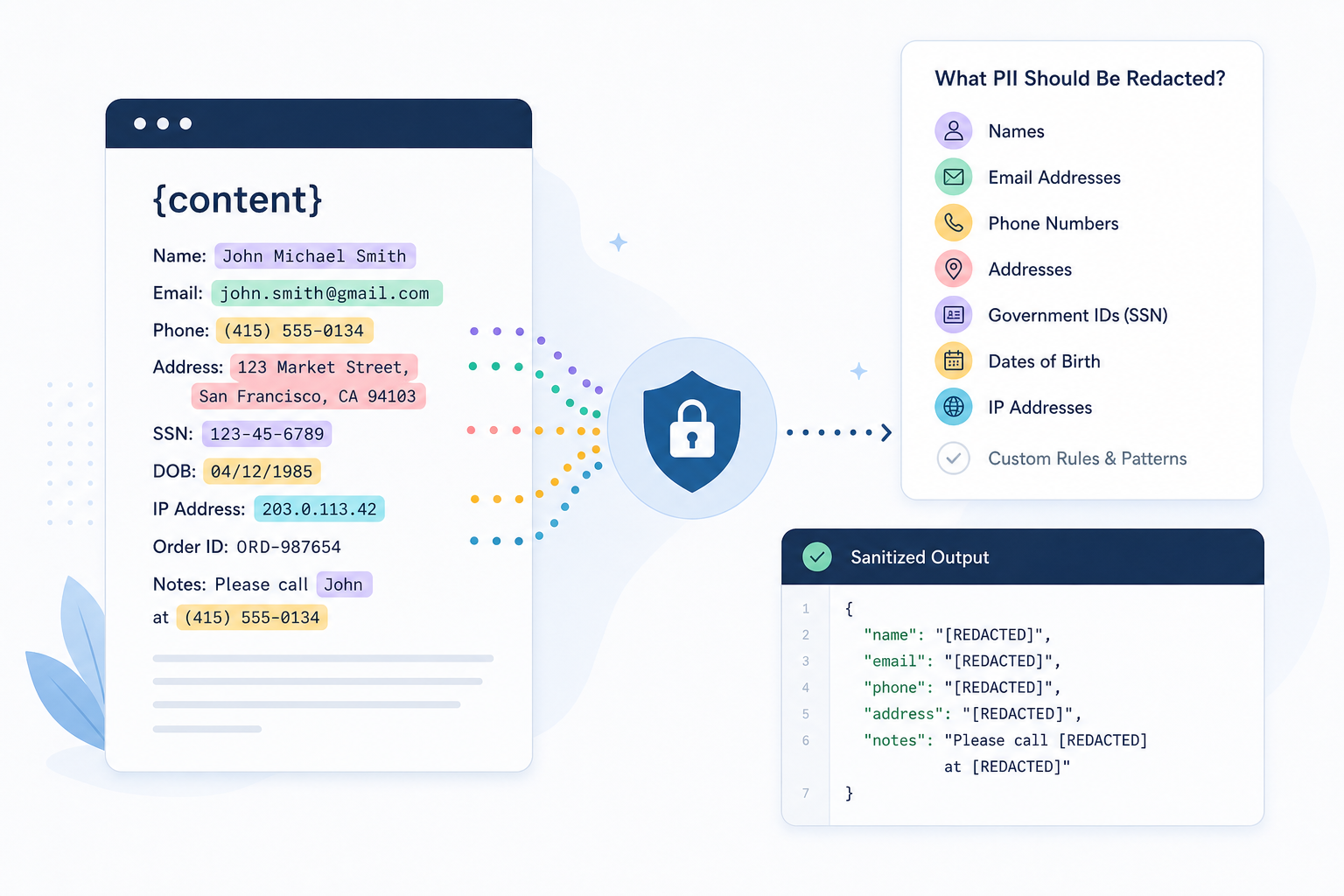
What PII Should Be Redacted?
Learn what PII should be redacted, where teams miss hidden data, and how to reduce compliance risk when sharing HTML, AI output, and files.

Edit Published HTML Without Breaking Your Links
Pro users can now edit HTML content after publishing without generating a new URL. Fix typos, update pricing, or refresh dashboards—your recipients keep using the same link, and every edit gets a fresh PII scan.
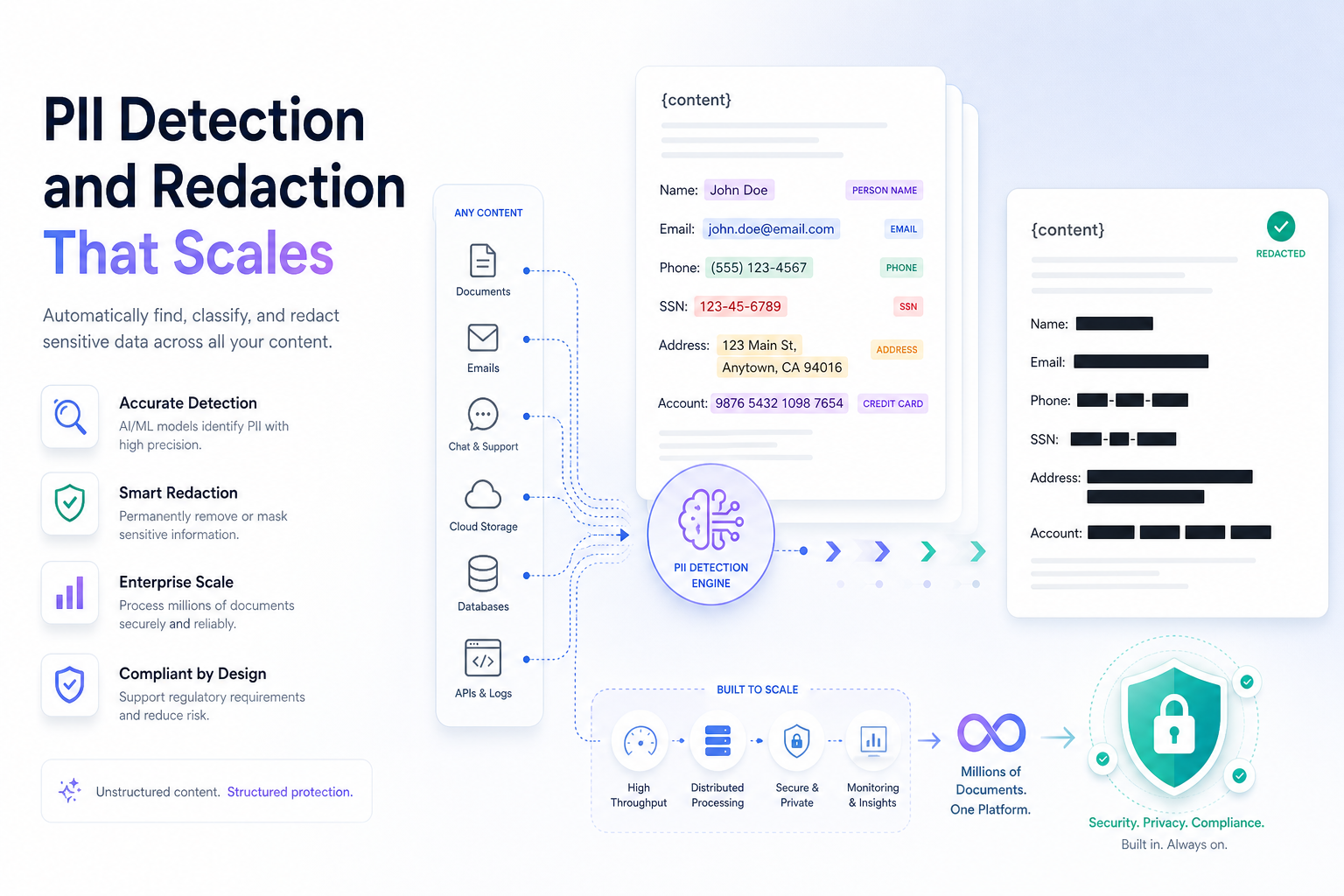
PII Detection and Redaction That Scales
HTML files carry more risk than most teams realize. AI-generated reports, client exports, and technical artifacts regularly contain names, emails, account IDs, and other regulated data hidden in markup, metadata, and source code — invisible on screen, but fully exposed to anyone who looks at the source. This post covers why PII detection and redaction has become a practical requirement for teams sharing HTML content, where detection fails in real workflows, and what effective controls actually look like when they're embedded directly into the publishing path — not bolted on as an afterthought.